Fall 2025-26 Technology Recap
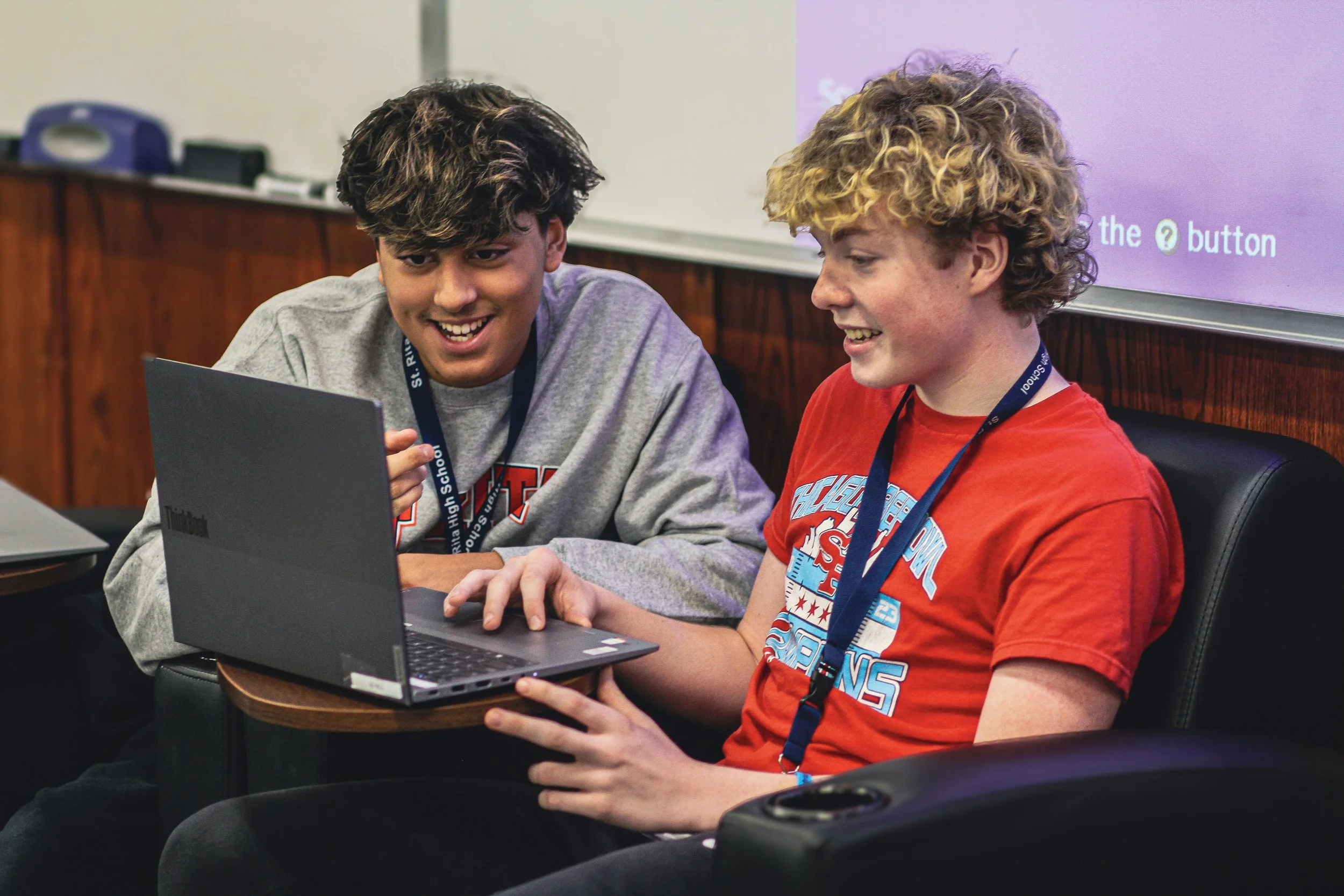
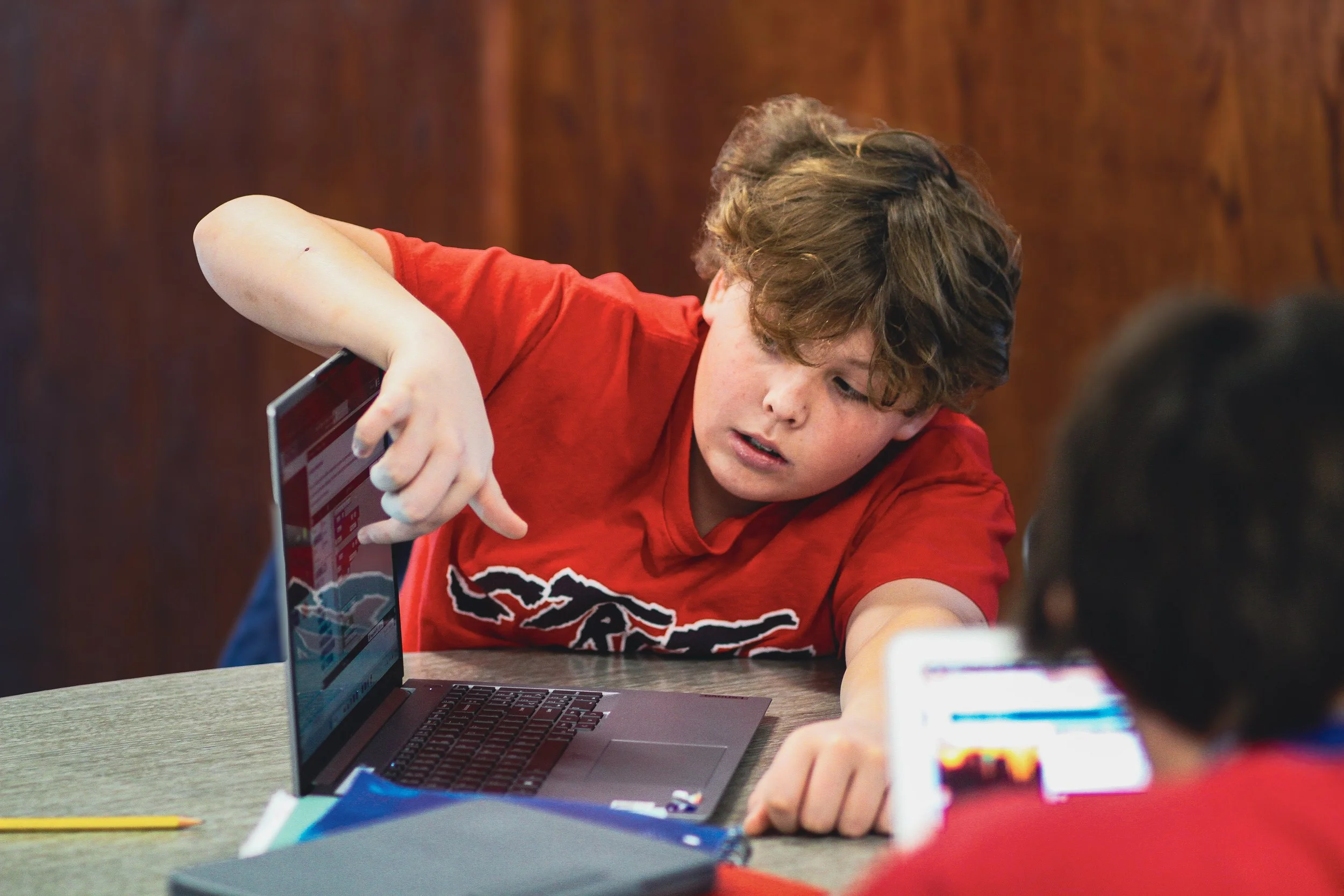
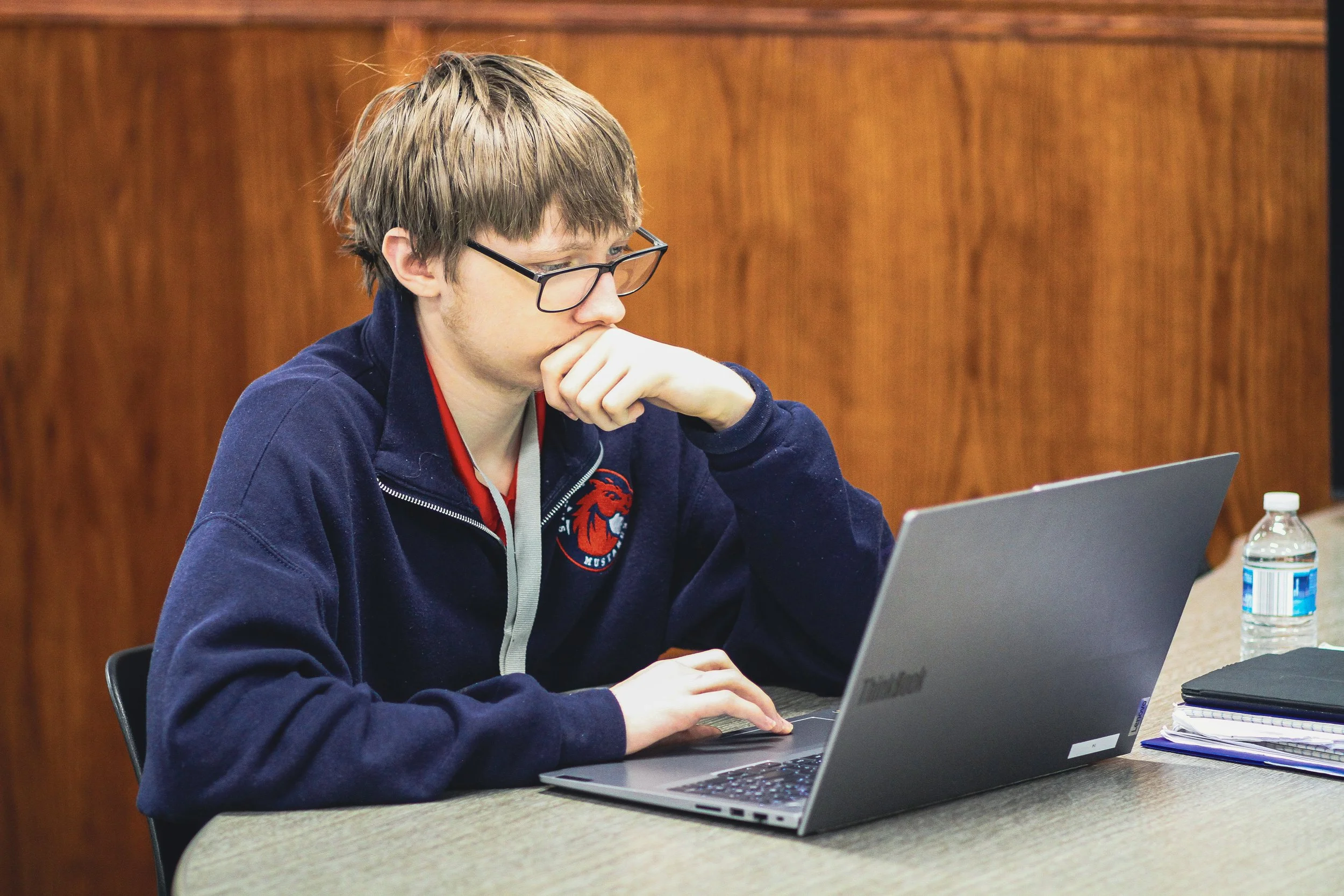
Mr. Tellez’s Technology classes have been hard at work in the first semester of the 2025-26 school year gaining hands-on experience through coding, game design, app development, and digital art. In Intro to Technology, freshmen created their own video games using the JavaScript programming language. They learned to create and control sprites, apply conditionals and variables, and program sprite movement, providing our Ritamen with the opportunity to practice solving problems and express creativity. In Computer Science, sophomores, juniors, and seniors developed their own app using the JavaScript language. They practiced using key coding skills such as loops, functions, lists, and more. Finally, sophomores, juniors, and seniors in Graphic Design created original artwork to showcase their creativity.
Check out our Ritamen’s work from the first semester of the 2025-26 school year below:
Intro to Technology: Video Game Projects
Kalvyn Castellanos ‘29
Computer Directions: Press the “P” key to make the black car race and press the “Q” key to make the green car race. Press each key to see how fast you want each car to go.
Rene Garcia ‘29
Computer Directions: Use the arrow keys to collect the coins and avoid the monsters.
Phone Directions: Move the joystick to collect the coins and avoid the monsters.
Paul Stodolny ‘29
Computer Directions: Use the arrow keys to collect the coins and avoid the planets. The purple coin is a power-up and boosts. You must hit 100 points to win!
Phone Directions: Move the joystick to collect the coins and avoid the planets. The purple coin is a power-up and boosts. You must hit 100 points to win!
Computer Science: App Development
Jacob Beauregard ‘27
Directions: Click/Tap on the peashooter to earn peas and buy upgrades. Once you earn enough peas, you can click/tap the “Upgrade” button in the bottom right corner. Each upgrade earns you more peas per click/tap. The extra plants you buy in the “Shop” will increase your peas per click/tap even more than the upgrades. They also appear next to your peashooter on the home screen. Get as many peas as possible!
Aiden Hamlin ‘27
Directions: Click/Tap the “Unlock” button on the lock screen of the phone and select an app. In the “Weather” app, click/tap the “Get Forecast” button to receive different forecasts from around the world. In the “Cookie Clicker” app, click/tap the cookie to score points.
Tyler Ligue ‘26
Directions: Click/Tap the dropdown to pick your favorite song from the “Top 50 USA Today” and then click/tap the “Favorite” button next to the dropdown. The song you selected can be seen in your favorites by clicking/tapping the “Favorites” button in the bottom right corner. Additionally, you can write feedback, and click/tap “Submit Review,” which is stored for later use.
Drago Sutalo ‘28
App Directions: Learn key facts about different countries by clicking/tapping the “New Sigma” button to generate statistics about a random country.
Game Directions: Use the “A” key to move left, use the “D” key to move right, use the “S” key to move down, and use the “W” key to move up, to navigate the green box away from the red box. This game was created using JavaScript on an AI-based platform that allows developers to code without downloading programs.
Graphic Design: 2025 Design Showcase
Check out our sophomores, juniors, and seniors final designs and cast your vote for the top 2025 design: